AI Agent Tool Use: How MCP Connects AI to Your Business Systems
Model Context Protocol standardizes how AI agents interact with your APIs, databases, and SaaS tools — replacing dozens of brittle custom integrations with one universal protocol
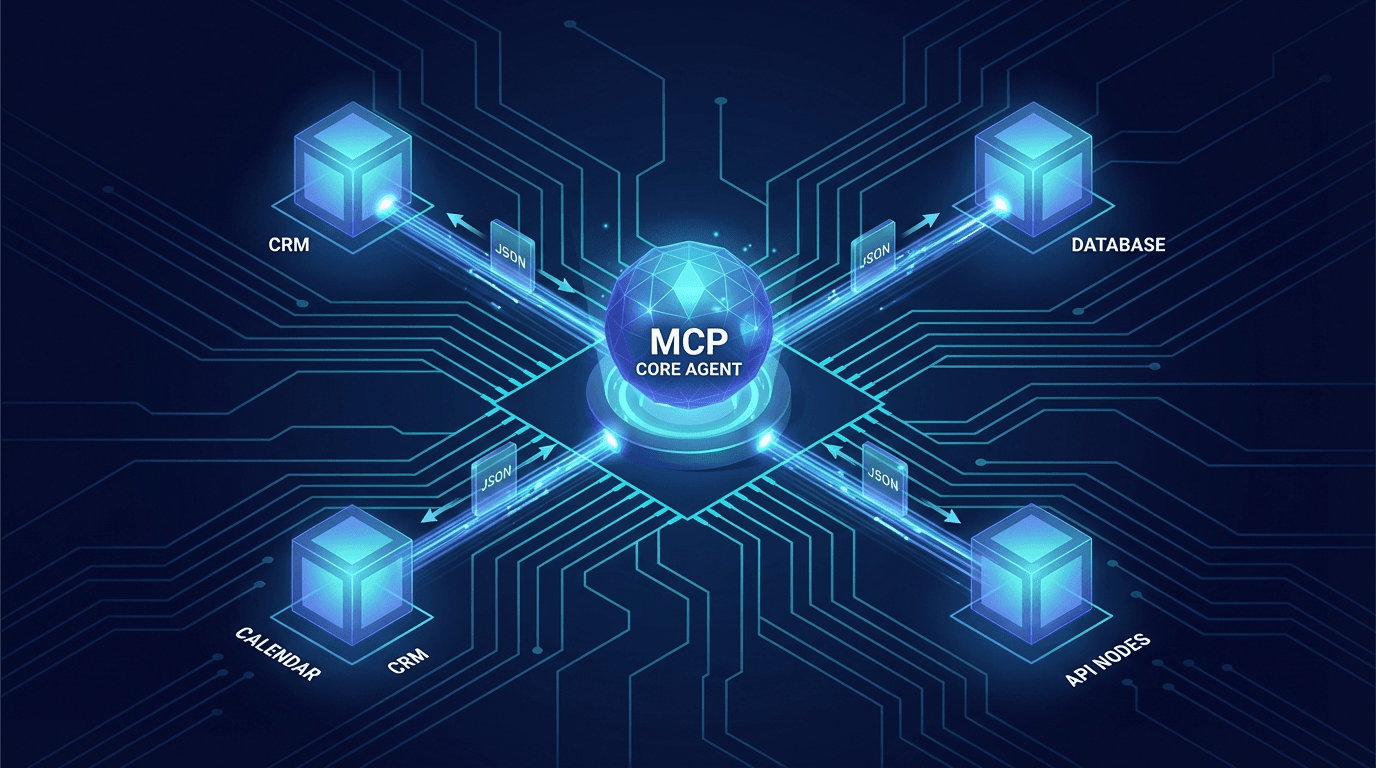
At a Glance
MCP (Model Context Protocol), released by Anthropic in November 2024, standardizes how AI agents call external tools — from CRM and databases to SaaS. This guide covers the 3-component architecture, step-by-step execution flow, MCP vs Function Calling comparison, real-world use cases, security best practices, and a practical deployment roadmap.
The N × M Problem MCP Solves
A powerful AI agent is useless if it can't access your real systems. Before MCP, every AI-to-tool integration was custom-coded — creating an N × M problem: N AI providers × M business tools = hundreds of brittle, vendor-locked integrations.
Switch from GPT-4 to Claude? Rewrite your entire integration layer. Every API change breaks something. Each integration handles auth differently.
Model Context Protocol (MCP), released by Anthropic in November 2024, solves this: one open standard, working across all LLM providers, connecting any business system. Adopted by OpenAI, Google DeepMind, Cursor, and Zapier — confirmation this is the real standard.
Architecture: 3 Components
MCP uses a client-server model:
┌──────────────────────────────────┐
│       AI Application (Host)       │
│  ┌──────────┐    ┌─────────────┐ │
│  │  LLM     │────│  MCP Client │ │
│  └──────────┘    └──────┬──────┘ │
└─────────────────────────│────────┘
                          │ JSON-RPC 2.0
         ┌────────────────┼───────────────┐
         │                │               │
   ┌─────▼────┐   ┌───────▼──┐   ┌───────▼──┐
   │MCP Server│   │MCP Server│   │MCP Server│
   │  (CRM)   │   │  (DB)    │   │(Helpdesk)│
   └──────────┘   └──────────┘   └──────────┘
- MCP Host: The AI application containing the LLM (Claude Desktop, Cursor, your custom agent)
- MCP Client: Component connecting the Host to each Server — 1:1, one Client per Server
- MCP Server: Lightweight service exposing three capability types:
- Tools — Functions the agent calls to take action (
create_ticket,update_crm) - Resources — Data sources the agent reads (customer records, logs)
- Prompts — Reusable templates with parameters
- Tools — Functions the agent calls to take action (
Execution Flow
Step 1 — Discovery: Client calls tools/list → Server returns tools with full JSON Schema. The LLM knows its capabilities before beginning to reason.
Step 2 — Invocation: LLM decides to call a tool → Client sends tools/call:
{
  "method": "tools/call",
  "params": {
    "name": "get_customer"
Related Resources
Comments (0)
Loading comments...
Stay Updated
Get weekly insights on AI, automation, and shipping fast. Join 500+ founders.
Related Articles

What Is an AI Agent? A Complete Guide for Business Leaders and Non-Technical People
AI Agents aren't just smarter chatbots — they're digital employees that can think, plan, and act to achieve goals. This guide explains everything you need to know, even if you've never written a line of code.

OpenClaw 2026: 190K GitHub Stars, Moltbook, and Enterprise Security Warnings
190K GitHub stars, 1.5M user-created agents, the world's first AI social network — and three security vulnerabilities enterprises need to patch now.

CLI Authentication: When the Command Line Becomes Your AI Power Key
CLI Auth isn't just convenient — it's the mindset shift from 'using AI like a web app' to 'working alongside AI in an integrated environment'. Hands-on guide: claude login, setup-token, handling 401 errors, and protecting tokens on your local machine.