Clawdbot Is Smart but Costly: Build a /billing Dashboard Before Your Next API Bill Arrives
Understand and control your AI agent costs before the end-of-month surprise
At a Glance
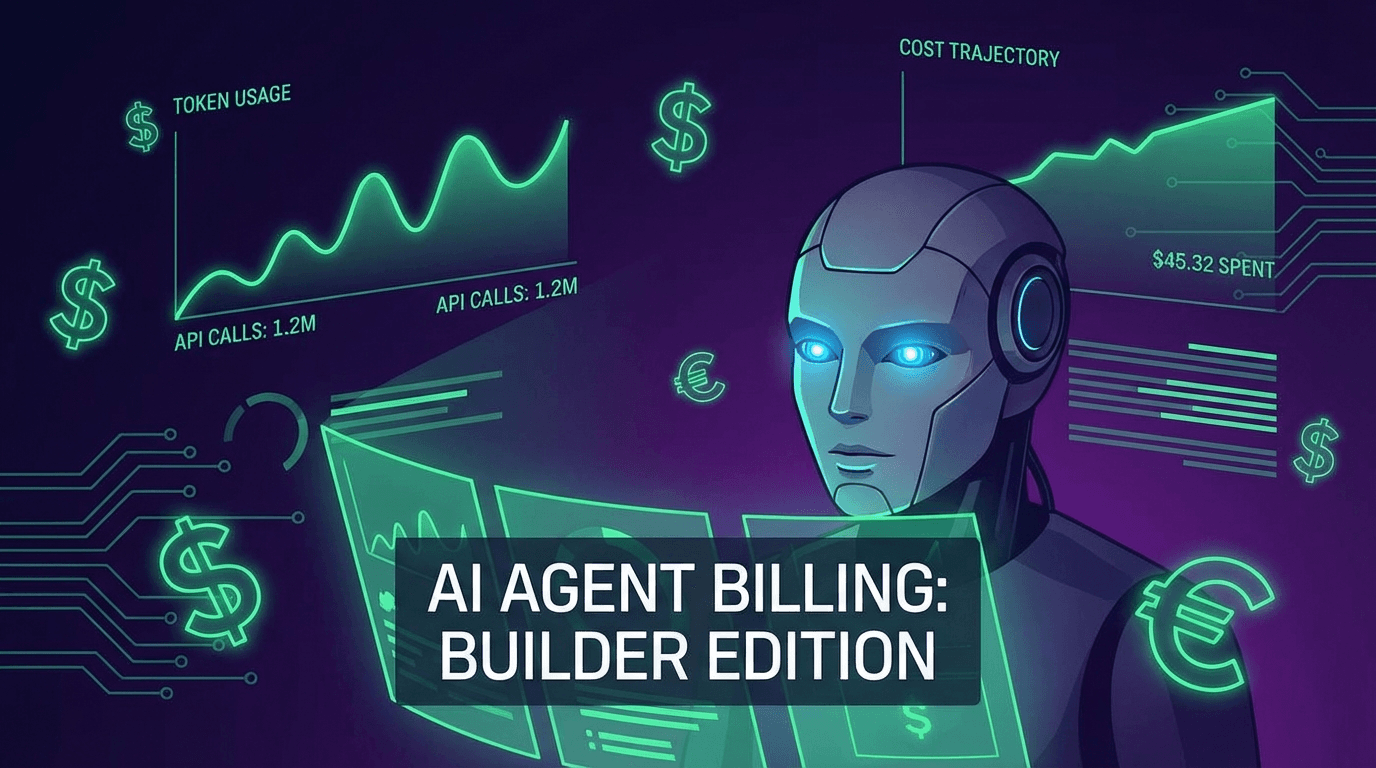
Clawdbot's intelligence comes from context injection — every API call loads your full workspace (SOUL, USER, MEMORY...) into the prompt. A 30-minute heartbeat mechanism and input:output ratios of 232:1+ quietly inflate costs with no default visibility. This post explains 3 hidden cost mechanisms and walks you through installing a /billing dashboard so you can see exactly what you're paying for with a single Telegram command.
You open your monthly API bill and the number is much higher than expected. But you only thought you chatted with the bot a few dozen times.
What happened?
The answer is in Clawdbot's internal mechanics — and once you understand it, you'll never want to run the bot without visibility again.
Where Clawdbot's Intelligence Comes From
Clawdbot doesn't "remember" in the traditional sense. Its intelligence comes from context injection — every API call loads a full set of workspace files into the prompt:
- SOUL: Personality and behavior rules
- USER: Personalization data — your preferences, history, context
- MEMORY: Accumulated notes and insights over time
- TASKS, CALENDAR, HABITS...: Additional modules depending on your config
The result? The bot behaves as if it "knows" you. Technically, it's re-reading your entire profile on every single interaction.
Every API call = loading your full workspace into the context window. You're paying for the bot to read, not to write.
This is why the input:output token ratio can reach 232:1 — meaning for every 232 tokens sent in (context + your question), the bot only needs to write back 1. And input tokens cost more per unit than output.
3 Hidden Cost Mechanisms You Need to Know
1. The Extreme Input:Output Ratio
Most people assume AI cost = response length. Reality is the opposite:
Real production example:
- Input tokens:  23,200
- Output tokens: 100
- Ratio:         232:1

→ A short reply can still be expensive
  because reading the context is the biggest expense
The larger your workspace grows, the worse this ratio becomes. It's a self-amplifying loop.
2. Heartbeat — The Silent Cost Drain
Clawdbot has a heartbeat mechanism: every 30 minutes, the bot activates to check tasks, review status, and update its state.
The problem? Each heartbeat call:
- Loads the full workspace into context
- Processes thousands of input tokens
- Returns...
HEARTBEAT_OK
Real-world result: 80%+ of your API calls may be heartbeats — calls you never see the output of, but pay for in full.
Over 24 hours: 48 heartbeat calls. If each costs $0.02 → $0.96/day → $28.80/month just from heartbeats, before you've had a single real conversation.
3. The Cost Spiral
This is the most insidious mechanism, and the least obvious:
Related Resources
Comments (0)
Loading comments...
Stay Updated
Get weekly insights on AI, automation, and shipping fast. Join 500+ founders.
Related Articles
OpenClaw in 2026: The Open-Source AI Assistant That Actually Does Things
Deep dive into OpenClaw — the open-source AI assistant running on your machine. From VirusTotal security partnership to community-built skills, discover why developers say this lobster is changing everything.
How OpenClaw Works: The Chatbot Message Flow Explained Simply
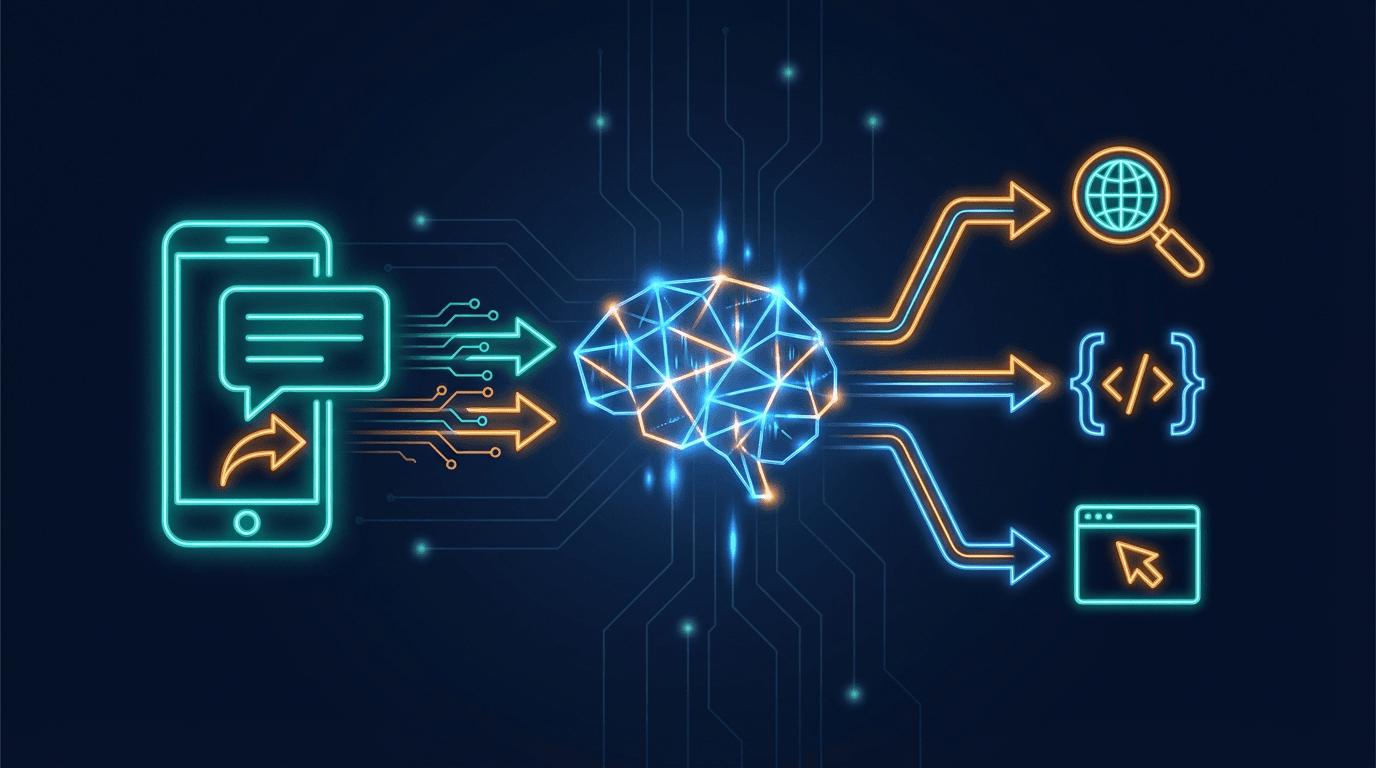
You send a message to a bot on Telegram. Seconds later it replies — sometimes after searching the web or running a script. What's actually happening behind the scenes? Here's the full OpenClaw flow, explained simply.

OpenClaw AI Gateway: 4 Authentication & Model Connection Methods
Overview of 4 ways to connect an LLM to OpenClaw: API Key, Proxy API, CLI Auth, and Local Model. Quick comparison table on cost, security, difficulty, and links to detailed guides for each method.