What Is OpenClaw?
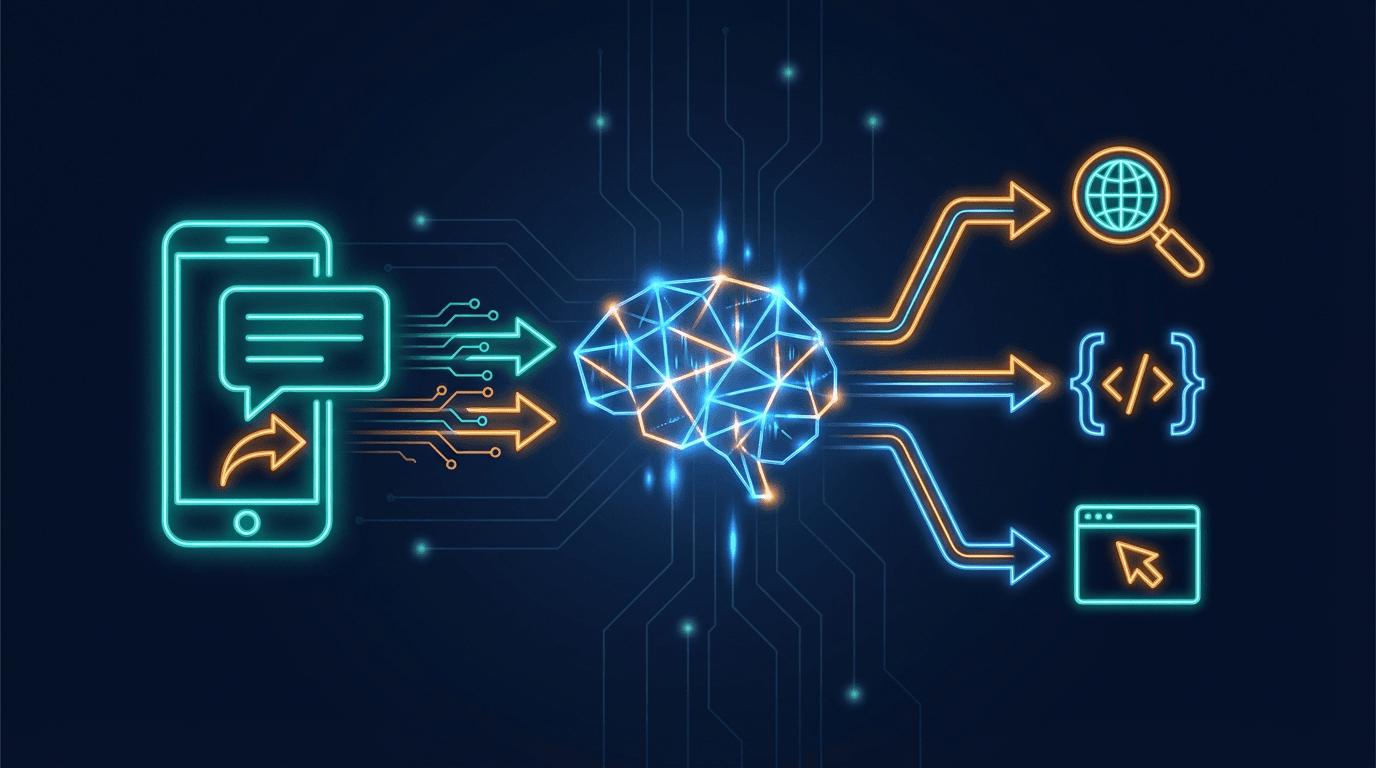
OpenClaw (also known as Clawdbot) is an AI agent gateway — think of it as a smart switchboard that connects you to AI. It receives messages from multiple channels (Telegram, WhatsApp, Discord, Slack), routes them to an AI model for processing, and sends the response back to wherever you messaged from.
It's not just a simple chatbot. OpenClaw can:
- Maintain conversation context across long sessions throughout the day
- Call tools (web search, run scripts, control a headless browser)
- Run scheduled tasks automatically (cron jobs)
- Handle multiple channels simultaneously
Step 1 — Receive the Message
When you send a message on Telegram, Telegram's servers deliver it to the OpenClaw gateway via a webhook. The gateway receives it and immediately checks:
- Who sent it? (user ID, chat ID)
- Is this a duplicate message resent after a disconnect?
- Is it a direct message or a group chat?
Duplicate messages are silently dropped — no double processing. If you send multiple messages in quick succession (within 2–5 seconds), they get batched into a single agent turn.
Step 2 — Assemble the Context
This is the most important step. Before asking the AI anything, OpenClaw assembles a full "context package" made of three layers:
- Fixed workspace files: bot personality (SOUL.md), your user profile (USER.md), behavior rules (AGENTS.md), tool notes (TOOLS.md) — these markdown files shape everything about how the bot behaves
- Conversation history: every message from the current session — the bot remembers everything said today, and context accumulates over time
- Current message: the text you just typed
All three layers combine into a complete picture before anything reaches the AI.
Step 3 — AI Processes the Request
OpenClaw sends the full context to the configured AI model. If the primary model encounters an issue, the system automatically switches to a fallback model — OpenClaw supports multiple AI providers depending on your setup. The AI reads everything, reasons, then decides:
a) Reply directly → writes a response and sends it back immediately
b) Use a tool first → calls the tool, gets results, then formulates a reply:
web_search — searches using a configured AI-powered search toolweb_fetch — reads specific webpage contentexec — runs scripts or skills on the serverbrowser_* — controls a headless Chrome browser
Each tool result feeds back into the AI for continued reasoning. This loop repeats until the AI has enough information to deliver a final answer.
Step 4 — Send the Reply
The response is split into chunks (100–500 characters each) and streamed back to Telegram progressively — you see the bot "typing" in real time rather than waiting a full minute for a complete response. If sending fails, the bot retries up to 8 times with exponential backoff.
Step 5 — Save the Session
After each turn, OpenClaw logs everything: your message, the bot's reply, tools used, tokens consumed, and cost. Sessions are persisted as files — this is the "memory" the bot draws on for the rest of the day's conversation.
The Flow at a Glance
You send a message
    ↓
Gateway receives & validates
    ↓
Assemble context (personality + history + current message)
    ↓
AI reasons → calls tools if needed
    ↓
Stream reply back to Telegram
    ↓
Save session for continued context
What Matters for Low-Code Users
If you want to customize the bot without touching any code, the key is workspace files — markdown files like SOUL.md, USER.md, and AGENTS.md:
- SOUL.md — the bot's personality, values, and communication style
- USER.md — what the bot knows about you: timezone, preferences, ongoing projects
- AGENTS.md — behavior rules: when to reply, how to reply, how to handle group chats
Edit the markdown, change the behavior. No code required.
This is why OpenClaw's architecture is more powerful than ordinary chatbots: it learns your context over time, and you shape it through plain text files — not configuration panels or code.
For a complete setup walkthrough, see our Clawdbot/OpenClaw installation guide.