Master Class: Xây Dựng AI Video Factory — Sản Xuất 20+ Video Mỗi Ngày
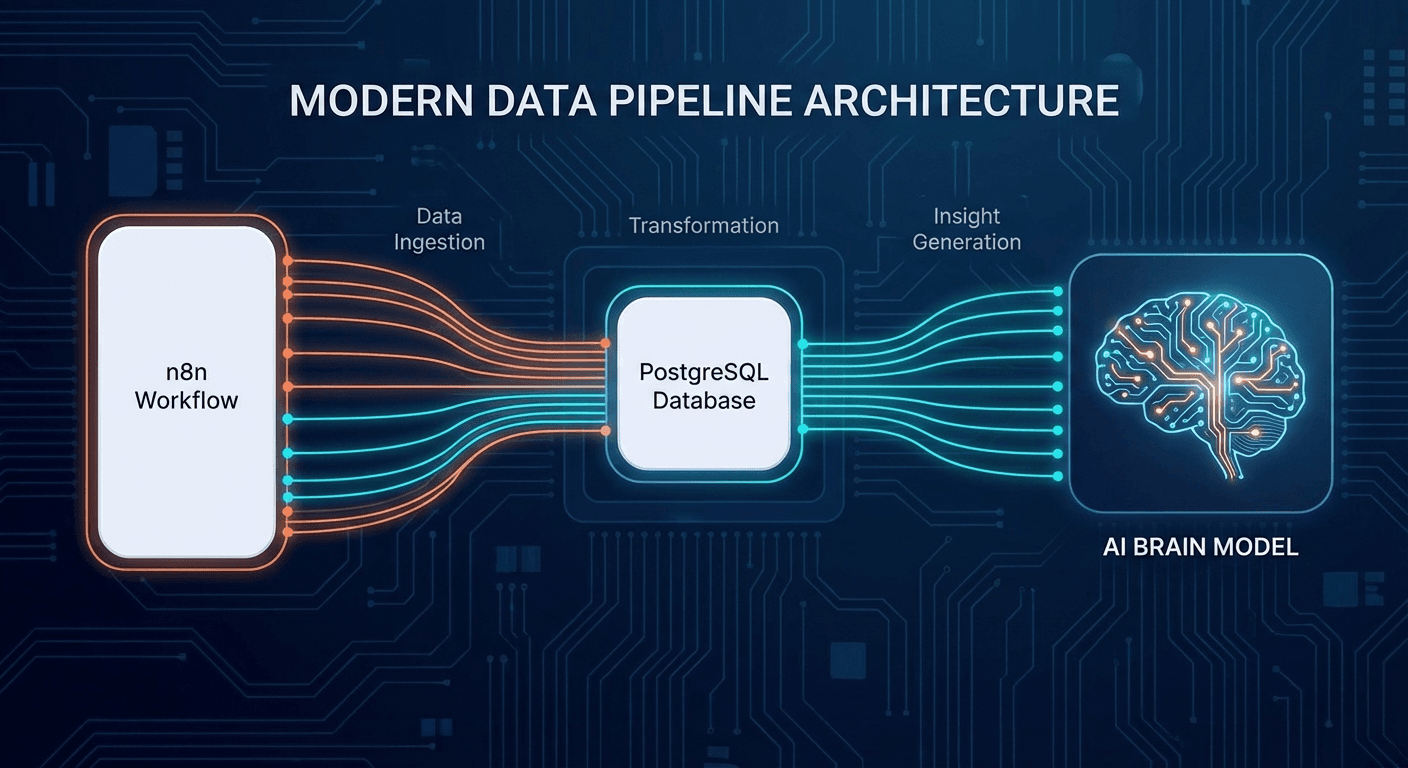
Hãy tưởng tượng một nhà máy hoạt động 24/7, không cần nghỉ ngơi, tự động sản xuất hàng chục video chất lượng cao mỗi ngày. Đó chính xác là những gì AI Video Factory mang lại — một pipeline hoàn toàn tự động kết hợp sức mạnh của RTX 3090/4090, ComfyUI, Ollama và n8n.
Trong masterclass này, bạn sẽ học:
- Cấu hình workstation RTX 3090/4090 tối ưu cho video generation
- Xây dựng pipeline với Ollama + ComfyUI + n8n
- Áp dụng TeaCache để tăng tốc render lên 2-3x
- Triển khai Hybrid Rendering để tối đa hóa throughput
- Đạt mốc 20+ video/ngày với chi phí tối thiểu
Phần 1: Phần Cứng — RTX 3090 vs RTX 4090
So Sánh Thông Số
| Thông số | RTX 3090 | RTX 4090 |
|---|
| VRAM | 24GB GDDR6X | 24GB GDDR6X |
| CUDA Cores | 10,496 | 16,384 |
| Tensor Cores | 3rd Gen | 4th Gen |
| TDP | 350W | 450W |
| Giá thị trường | ~$800–1,000 | ~$1,600–2,000 |
| Video render speed | ~4–6 fps | ~8–12 fps |
Khi nào chọn RTX 3090?
- Ngân sách hạn chế nhưng cần 24GB VRAM
- Chạy model Wan 2.1 14B hoặc FLUX ở độ phân giải 720p
- Khi kết hợp với Hybrid Rendering (xem Phần 4)
Khi nào nâng cấp lên RTX 4090?
- Cần render 1080p+ ổn định
- Chạy đồng thời ComfyUI + Ollama LLM
- Mục tiêu 20+ video/ngày mà không cần Hybrid Rendering
Cấu Hình Workstation Khuyến Nghị
Build RTX 3090 (Budget: ~$2,500)
CPU: AMD Ryzen 9 7950X (16 cores)
GPU: ASUS ROG Strix RTX 3090 24GB
RAM: 64GB DDR5 5600MHz
NVMe: 2TB Samsung 990 Pro (OS + Models)
NVMe: 4TB WD Black SN850X (Output storage)
PSU: Corsair HX1000i 1000W
Build RTX 4090 (Budget: ~$4,000)
CPU: Intel Core i9-13900K hoặc AMD Ryzen 9 7950X
GPU: ASUS ROG Strix RTX 4090 24GB
RAM: 64GB DDR5 6000MHz
NVMe: 2TB Samsung 990 Pro (OS + Models)
NVMe: 4TB + 4TB RAID 0 (Output pipeline)
PSU: be quiet! Dark Power 13 1000W
Tối Ưu Driver và Power Limit
sudo apt install nvidia-cuda-toolkit
nvidia-smi
sudo nvidia-smi -pl 350
sudo nvidia-smi -pl 450
sudo nvidia-smi -pm 1
Phần 2: Tech Stack — Ollama + ComfyUI + n8n
Kiến Trúc Tổng Quan
[n8n Workflow Engine]
         ↓
[Ollama LLM — Script Generation]
         ↓
[ComfyUI — Video/Image Generation]
         ↓
[FFmpeg — Post-processing]
         ↓
[Output Storage / CDN]
2.1 Cài Đặt Ollama
Ollama xử lý phần script generation và prompt engineering — tự động tạo kịch bản và prompt cho từng video. Bạn có thể tham khảo thêm về cách chọn model phù hợp trong bài LLM Self-Host 2025: DeepSeek, Llama, Qwen.
curl -fsSL https://ollama.ai/install.sh | sh
ollama pull llama3.3:70b
ollama pull qwen2.5:14b
ollama pull mistral-nemo:12b
curl http://localhost:11434/api/generate -d '{
"model": "qwen2.5:14b",
"prompt": "Write a 60-second video script about AI automation",
"stream": false
}'
Cấu hình GPU offload:
export OLLAMA_NUM_GPU=1
export OLLAMA_GPU_LAYERS=35
export OLLAMA_MAX_LOADED_MODELS=2
Để hiểu sâu hơn về fine-tuning và triển khai Llama cho script generation, xem thêm Llama 3.3 70B: Hướng Dẫn Triển Khai Enterprise.
2.2 Cài Đặt ComfyUI
ComfyUI là engine chính để generate video frames và xử lý visual pipeline.
git clone https://github.com/comfyanonymous/ComfyUI
cd ComfyUI
python -m venv venv
source venv/bin/activate
pip install torch torchvision torchaudio --index-url https://download.pytorch.org/whl/cu121
pip install -r requirements.txt
cd custom_nodes
git clone https://github.com/ltdrdata/ComfyUI-Manager
python main.py --listen 0.0.0.0 --port 8188 --api-only
Models cần thiết:
- Wan 2.1 14B — Text-to-Video tốt nhất 2025 →
models/wan/
- FLUX.1 — Image generation chất lượng cao →
models/checkpoints/
- AnimateDiff — Animation →
models/animatediff_models/
2.3 Cài Đặt n8n (Workflow Orchestration)
n8n là trung tâm điều phối — kết nối tất cả các thành phần và tự động hóa toàn bộ pipeline.
docker run -it --rm \
--name n8n \
-p 5678:5678 \
-v ~/.n8n:/home/node/.n8n \
n8nio/n8n
npm install -g n8n pm2
pm2 start n8n --name "n8n-video-factory"
pm2 startup && pm2 save
Cấu trúc Workflow n8n:
Trigger (Schedule/Webhook)
    ↓
HTTP Request → Ollama (Generate Script)
    ↓
Function Node (Parse Script → Scenes)
    ↓
Loop (Mỗi scene):
    ↓
HTTP Request → Ollama (Generate Image Prompt)
    ↓
HTTP Request → ComfyUI API (Generate Video Clip)
    ↓
Wait for Completion (Polling)
    ↓
HTTP Request → FFmpeg API (Merge Clips)
    ↓
Upload to Storage → Notification
Phần 3: TeaCache — Tăng Tốc Render 2-3x
TeaCache (Timestep Embedding Aware Cache) là breakthrough lớn trong video generation năm 2025. Thay vì compute toàn bộ attention ở mỗi timestep, TeaCache cache lại các feature maps không thay đổi nhiều giữa các bước denoising — giảm thời gian render đáng kể mà chất lượng không sụt nhiều.
Cài Đặt TeaCache cho ComfyUI
cd ComfyUI/custom_nodes
git clone https://github.com/wellesleyfilms/ComfyUI-TeaCache
pip install -r ComfyUI-TeaCache/requirements.txt
Cấu Hình TeaCache Node
{
  "TeaCache": {
    "rel_l1_thresh": 0.15,
    "cache_device": "cuda",
    "enable_teacache": true,
    "coefficients": "wan_video"
  }
}
Benchmark Thực Tế
RTX 3090 — Wan 2.1 14B (480p, 81 frames):
| Mode | Thời gian render | Speedup |
|---|
| Baseline (không TeaCache) | 4m 20s | 1x |
| TeaCache thresh=0.10 | 2m 45s | 1.58x |
| TeaCache thresh=0.15 | 2m 10s | 2.00x |
| TeaCache thresh=0.20 | 1m 50s | 2.36x |
RTX 4090 — Wan 2.1 14B (720p, 81 frames):
| Mode | Thời gian render | Speedup |
|---|
| Baseline | 3m 15s | 1x |
| TeaCache thresh=0.15 | 1m 22s | 2.38x |
| TeaCache thresh=0.20 | 1m 08s | 2.87x |
Lưu ý: thresh=0.15 là điểm cân bằng tốt nhất giữa tốc độ và chất lượng. Tăng lên 0.20+ có thể gây artifacts ở chuyển động phức tạp.
Tích Hợp TeaCache vào n8n
const payload = {
"prompt": {
"1": {
"class_type": "WanVideoSampler",
"inputs": {
"model": ["2", 0],
"steps": 20,
"cfg": 6.0,
"use_teacache": true,
"teacache_thresh": 0.15
}
}
}
};
return [{ json: payload }];
Phần 4: Hybrid Rendering — Tối Đa Hóa Throughput
Hybrid Rendering là chiến lược kết hợp GPU và CPU để chạy song song nhiều tác vụ, tối đa hóa utilization của toàn bộ hệ thống.
Kiến Trúc Hybrid Rendering
┌─────────────────────────────────────────┐
│              n8n Orchestrator           │
└──────────┬──────────────┬──────────────┘
           │              │
    ┌──────▼──────┐ ┌─────▼──────┐
    │  GPU Queue  │ │  CPU Queue │
    │  (ComfyUI)  │ │  (FFmpeg)  │
    └──────┬──────┘ └─────┬──────┘
           │              │
    ┌──────▼──────────────▼──────┐
    │      Output Merger         │
    │   (Final Video Assembly)   │
    └────────────────────────────┘
Phân Chia Tác Vụ
GPU (RTX 3090/4090) xử lý:
- Text-to-Video generation (ComfyUI + Wan 2.1)
- Image generation (FLUX.1)
- Upscaling (Real-ESRGAN)
CPU (Ryzen 9 7950X / i9-13900K) xử lý:
- Audio generation (TTS, nhạc nền)
- Video merging & encoding (FFmpeg)
- Subtitle rendering
- Thumbnail creation
Queue Manager Python
import asyncio
import aiohttp
from concurrent.futures import ThreadPoolExecutor
class VideoFactoryQueue:
def __init__(self, gpu_workers=1, cpu_workers=8):
self.gpu_queue = asyncio.Queue()
self.cpu_queue = asyncio.Queue()
self.executor = ThreadPoolExecutor(max_workers=cpu_workers)
async def gpu_worker(self):
while True:
job = await self.gpu_queue.get()
result = await self.generate_video_comfyui(job)
await self.cpu_queue.put(result)
self.gpu_queue.task_done()
async def cpu_worker(self):
while True:
result = await self.cpu_queue.get()
await asyncio.get_event_loop().run_in_executor(
self.executor,
self.process_with_ffmpeg,
result
)
self.cpu_queue.task_done()
async def generate_video_comfyui(self, job):
async with aiohttp.ClientSession() as session:
async with session.post(
,
json={: job[]}
) response:
response.json()
():
subprocess
cmd = [
, ,
, , , ,
, clips[],
, , , ,
, ,
clips[]
]
subprocess.run(cmd, check=)
Throughput Thực Tế
RTX 3090 + Hybrid Rendering:
| Loại video | Thời gian/video | Videos/ngày |
|---|
| 30s, 480p, Wan 2.1 | ~5 phút | ~288 videos |
| 60s, 480p, Wan 2.1 | ~10 phút | ~144 videos |
| 60s, 720p, Wan 2.1 | ~18 phút | ~80 videos |
| 3 phút, 1080p mix | ~45 phút | ~32 videos |
RTX 4090 + TeaCache + Hybrid Rendering:
| Loại video | Thời gian/video | Videos/ngày |
|---|
| 30s, 720p, Wan 2.1 | ~3 phút | ~480 videos |
| 60s, 720p, Wan 2.1 | ~6 phút | ~240 videos |
| 60s, 1080p, Wan 2.1 | ~12 phút | ~120 videos |
| 3 phút, 1080p mix | ~25 phút | ~57 videos |
Phần 5: Pipeline Hoàn Chỉnh — Từ Idea Đến Video
const topics = items[0].json.topics;
return topics.map(topic => ({
json: {
topic,
style: "educational",
duration: 60,
resolution: "720p",
language: "vi"
}
}));
Bước 2: Script Generation (Ollama)
const prompt = `Viết kịch bản video 60 giây về "${$json.topic}".
Format JSON với fields: title, hook, scenes (array), cta.
Mỗi scene: duration (giây), visual_description, narration`;

const response = await $http.post("http://localhost:11434/api/generate", {
  model: "qwen2.5:14b",
  prompt: prompt,
  format: "json",
  stream: false
});
Để tối ưu hóa Qwen 2.5 cho task viết script, xem thêm Qwen 2.5: Xây Dựng AI Agent Workflow.
Bước 3: Visual Generation (ComfyUI)
const scenes = $json.script.scenes;
const workflows = scenes.map(scene =>
buildWanVideoWorkflow({
prompt: scene.visual_description,
duration: scene.duration,
resolution: "720x1280",
steps: 20,
teacache: true
})
);
Bước 4: Post-Processing (FFmpeg)
ffmpeg -y \
  -f concat -safe 0 -i clips_list.txt \
  -i audio_narration.mp3 \
  -i background_music.mp3 \
  -filter_complex "[1:a][2:a]amix=inputs=2:weights=3 1[aout]" \
  -map 0:v -map "[aout]" \
  -c:v libx264 -crf 18 -preset fast \
  -c:a aac -b:a 192k \
  -movflags +faststart \
  output_video.mp4
Bước 5: Distribution (n8n)
const platforms = [
{ name: "YouTube", api: ytUploadNode },
{ name: "TikTok", api: tiktokUploadNode },
{ name: "Instagram Reels", api: igUploadNode }
];
await Promise.all(platforms.map(p => p.api.upload(videoPath)));
Phần 6: Monitoring và Tối Ưu Chi Phí
watch -n 1 nvidia-smi
tail -f ComfyUI/comfyui.log
Checklist hàng ngày:
Kết Luận
Với AI Video Factory được xây dựng đúng cách:
- RTX 3090 → 80–144 video/ngày chất lượng 720p
- RTX 4090 + TeaCache + Hybrid Rendering → 120–240 video/ngày
Chìa khóa thành công:
- TeaCache giảm thời gian render 2-3x mà không mất chất lượng đáng kể
- Hybrid Rendering tận dụng CPU cho post-processing song song với GPU
- n8n làm trung tâm điều phối thông minh, tự động retry khi fail
- Ollama + Qwen 2.5 generate script và prompt chất lượng cao
Đây là nền tảng để xây dựng một content operation thực sự có thể scale — từ 20 đến hàng trăm video mỗi ngày.