OpenClaw Setup Guide: From Zero to Your Own AI Assistant in 15 Minutes
Install via npm, run the onboard wizard, connect WhatsApp or Telegram — your personal AI assistant is ready in a few simple steps.
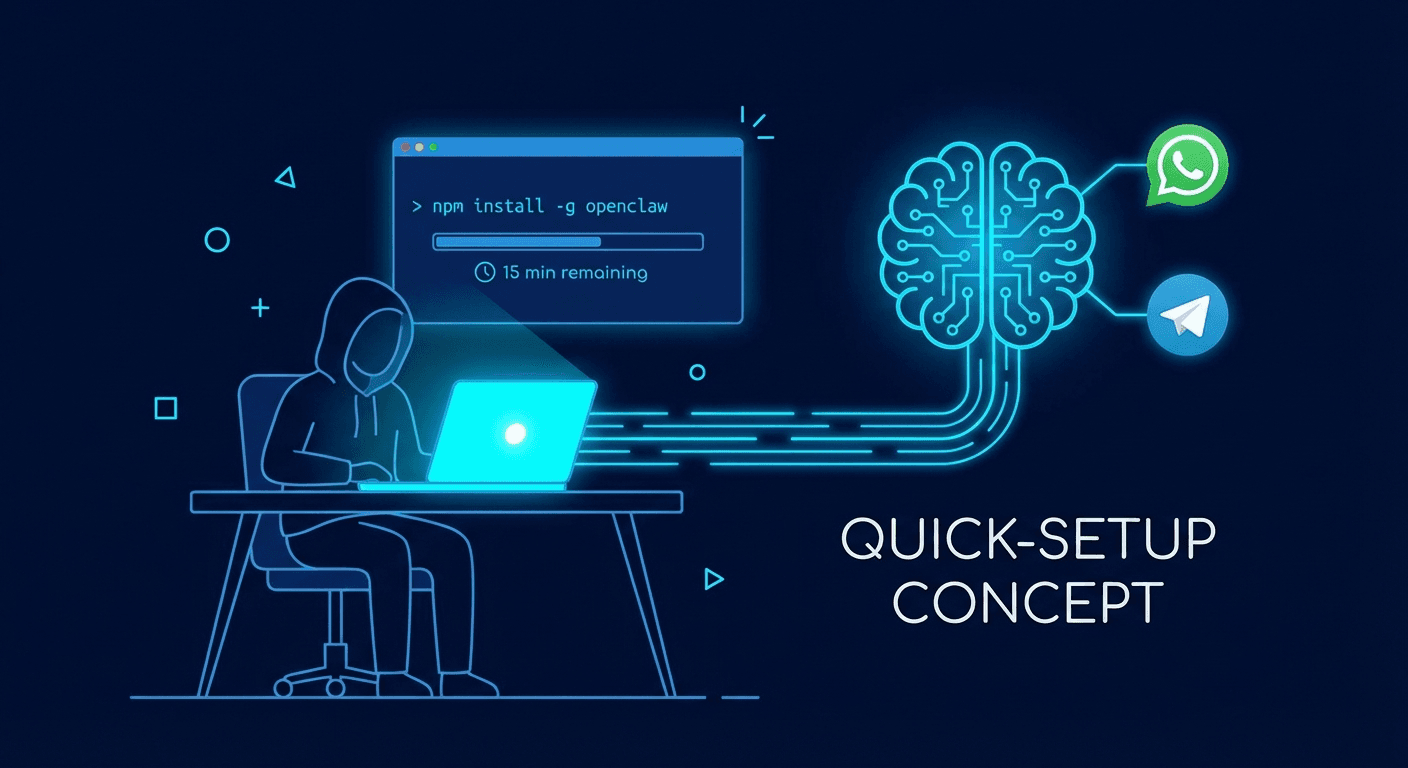
At a Glance
OpenClaw is a free, open-source AI assistant that runs locally on your machine. Install via npm, run the onboard wizard, connect WhatsApp or Telegram, and you have a private AI assistant in under 15 minutes.
What is OpenClaw?
OpenClaw is an open-source personal AI assistant that runs on your own machine. Unlike cloud-based assistants, your data stays local. It connects to messaging apps you already use — WhatsApp, Telegram, Slack, Discord — and can browse the web, manage files, run scripts, and remember context across conversations.
This is the Quick Start Guide for personal installation on your own computer. If you need to deploy on a server, VPS, or Docker for production use, see the Complete Clawdbot/OpenClaw Setup Guide A-Z.
Prerequisites
| Requirement | Details |
|---|---|
| Node.js | Version 22 or newer |
| OS | macOS, Linux, or Windows (via WSL2) |
| AI API key | Anthropic (Claude) or OpenAI key |
Step 1: Install OpenClaw
npm install -g openclaw@latest
Verify the installation:
openclaw --version
Step 2: Run the Onboard Wizard
openclaw onboard --install-daemon
The wizard walks you through 4 steps:
- Gateway setup — starts the local WebSocket server at
ws://127.0.0.1:18789 - AI model selection — choose Claude, GPT, or a local model
- Channel pairing — connect your first messaging app
- Skill installation — pick starter skills from ClawHub
Step 3: Connect a Messaging Channel
During onboard, select your preferred channel. For WhatsApp, scan the QR code displayed in your terminal. For Telegram, enter your bot token from @BotFather.
After pairing, send a test message. OpenClaw responds directly in your chat app.
Step 4: Configure Your Workspace
OpenClaw stores config at ~/.openclaw/openclaw.json. A minimal config:
{
  "agent": {
    "model": "anthropic/claude-sonnet-4-5"
  },
  "channels":
Related Resources
Comments (0)
Loading comments...
Stay Updated
Get weekly insights on AI, automation, and shipping fast. Join 500+ founders.
Related Articles
OpenClaw in 2026: The Open-Source AI Assistant That Actually Does Things
Deep dive into OpenClaw — the open-source AI assistant running on your machine. From VirusTotal security partnership to community-built skills, discover why developers say this lobster is changing everything.
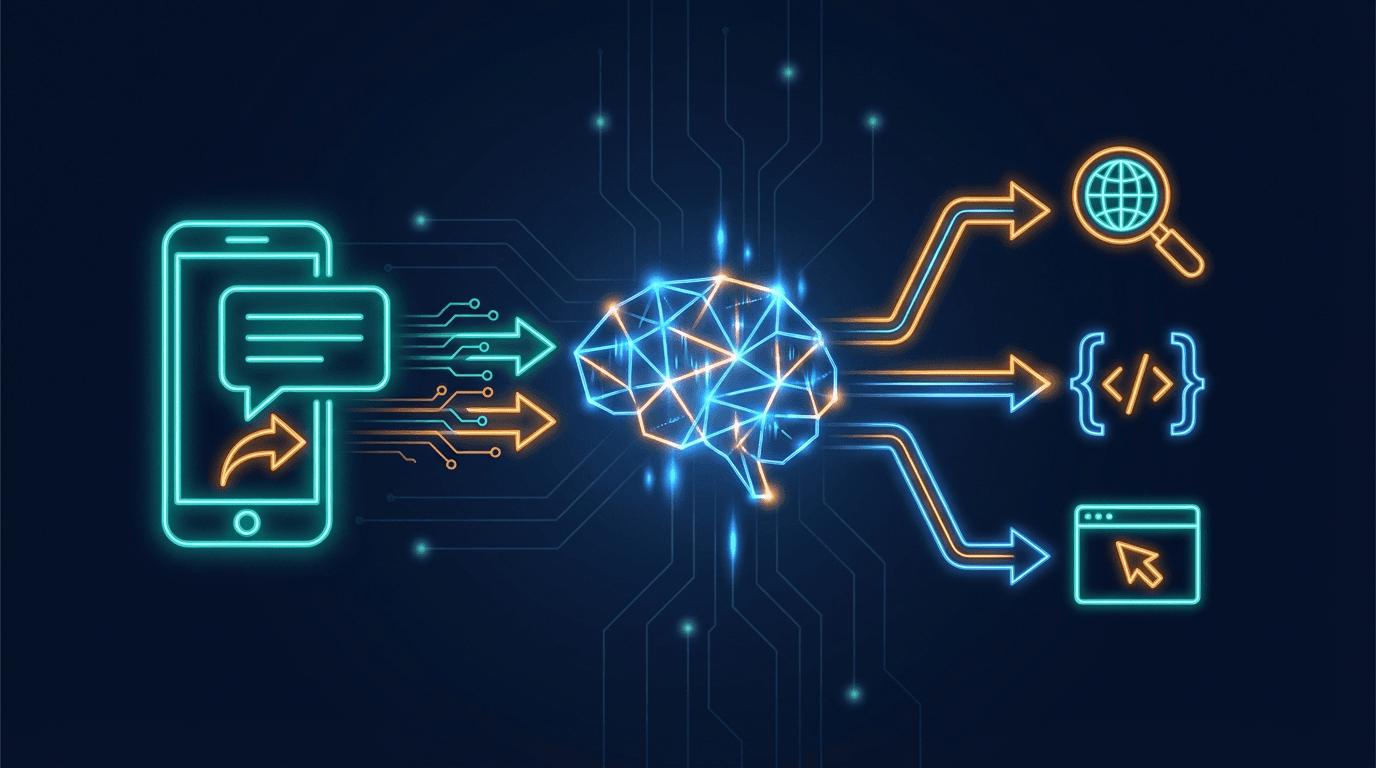
How OpenClaw Works: The Chatbot Message Flow Explained Simply
You send a message to a bot on Telegram. Seconds later it replies — sometimes after searching the web or running a script. What's actually happening behind the scenes? Here's the full OpenClaw flow, explained simply.

OpenClaw AI Gateway: 4 Authentication & Model Connection Methods
Overview of 4 ways to connect an LLM to OpenClaw: API Key, Proxy API, CLI Auth, and Local Model. Quick comparison table on cost, security, difficulty, and links to detailed guides for each method.