Connect OpenClaw to WhatsApp, Telegram & Zalo: Complete Channel Setup
One AI agent, every messaging app. Configure multi-channel OpenClaw for business and personal use.
At a Glance
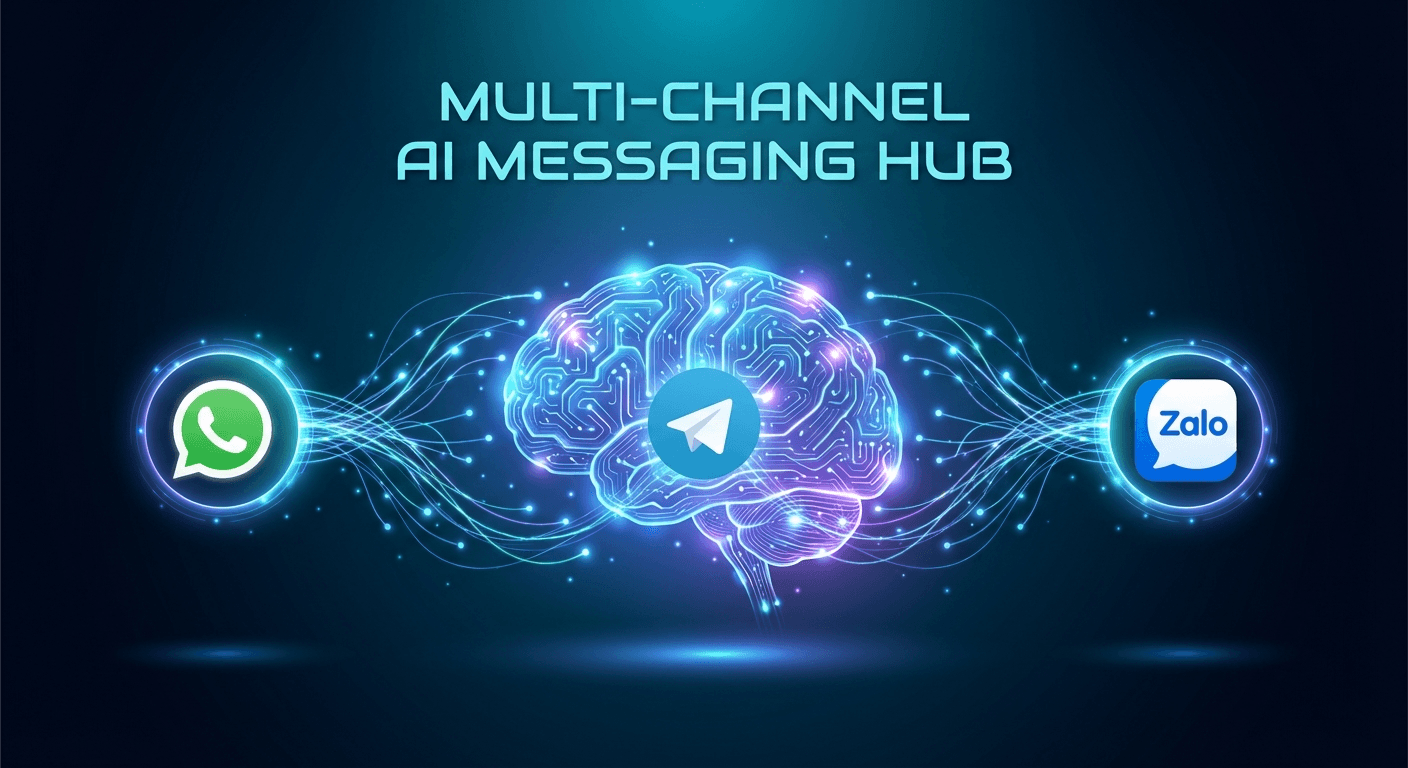
OpenClaw supports multiple popular messaging channels out of the box. This guide covers connecting WhatsApp (via Baileys), Telegram (via grammY), and Zalo — the three most widely used channels in Vietnam and Southeast Asia.
Why Multi-Channel AI Matters
Your customers message on WhatsApp. Your team uses Telegram. Local partners are on Zalo. Instead of switching between apps and responding manually, OpenClaw lets a single AI agent receive and handle messages from all channels — with the same context, the same memory, and the same response quality.
This is the foundation for automated customer support, a personal assistant, or any AI workflow that runs inside the messaging apps your users already prefer.
Supported Channels
| Channel | Protocol | Best For |
|---|---|---|
| Baileys (Web API) | Customer communication, VN market | |
| Telegram | grammY (Bot API) | Tech teams, developer communities |
| Zalo | Zalo OA API | Vietnam-specific business outreach |
| Slack | Bolt | Internal team workflows |
| Discord | discord.js | Community management |
| Signal | signal-cli | Privacy-focused contacts |
This guide focuses on the three most widely used channels in Vietnam and Southeast Asia.
Connecting WhatsApp
WhatsApp connects via the Baileys library, using the WhatsApp Web protocol.
openclaw channel add whatsapp
After running the command:
- A QR code appears in your terminal
- Open WhatsApp on your phone → Linked Devices → Link a Device
- Scan the QR code
- Done — send yourself a message to confirm
Note: Sessions persist across restarts. If disconnected, run the same command again to re-pair.
Connecting Telegram
Telegram uses the Bot API via grammY — fast, reliable, and easy to configure.
- Message @BotFather on Telegram:
/newbot - Choose a name and username for your bot
- Copy the bot token
- Run:
openclaw channel add telegram --token YOUR_BOT_TOKEN
Pro tip: Set the bot description with @BotFather so users understand what your AI assistant does before they message.
Connecting Zalo
Zalo connects via the Official Account (OA) API — required for any business use case.
- Create a Zalo OA at oa.zalo.me
- Get your access token and from the OA management dashboard
Related Resources
Comments (0)
Loading comments...
Stay Updated
Get weekly insights on AI, automation, and shipping fast. Join 500+ founders.
Related Articles
OpenClaw in 2026: The Open-Source AI Assistant That Actually Does Things
Deep dive into OpenClaw — the open-source AI assistant running on your machine. From VirusTotal security partnership to community-built skills, discover why developers say this lobster is changing everything.

How OpenClaw Works: The Chatbot Message Flow Explained Simply
You send a message to a bot on Telegram. Seconds later it replies — sometimes after searching the web or running a script. What's actually happening behind the scenes? Here's the full OpenClaw flow, explained simply.

OpenClaw AI Gateway: 4 Authentication & Model Connection Methods
Overview of 4 ways to connect an LLM to OpenClaw: API Key, Proxy API, CLI Auth, and Local Model. Quick comparison table on cost, security, difficulty, and links to detailed guides for each method.